
 AI Knowledge Club Admin
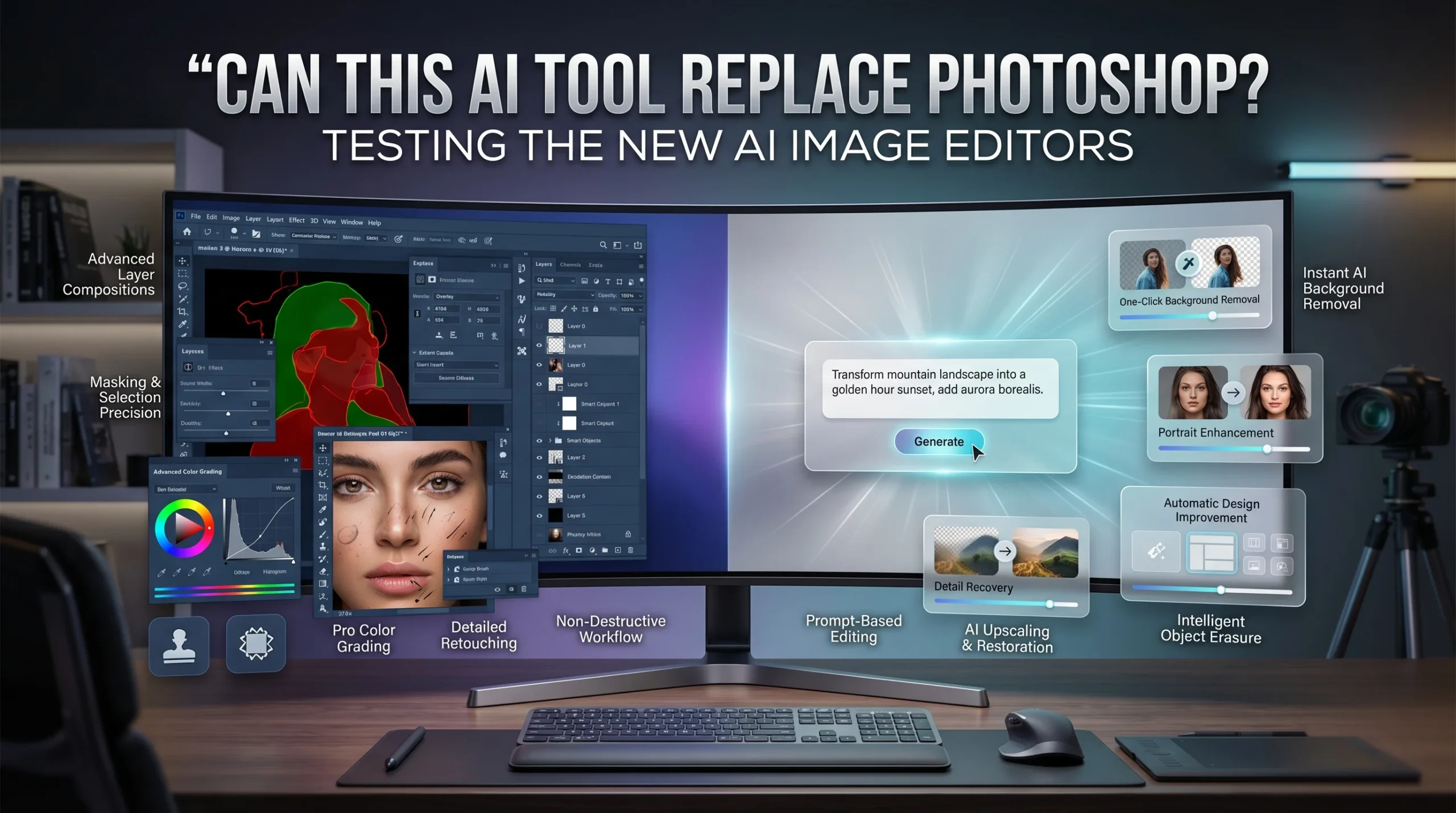
Can This AI Tool Replace Photoshop? Testing the New AI Image Editors
Every major design platform now claims to offer revolutionary artificial intelligence features. In 2026, the challenge is no longer finding apps with AI. The real question is which AI image editors or image editing software can truly replace parts of a professional workflow and which users they are actually built for.
For decades, Adobe Photoshop held a monopoly on high-end image manipulation. Competitors tried to match its deep feature set and usually fell short. Now, a new generation of AI image editors approaches the problem from a different angle. Instead of cloning Photoshop’s complex interface, they use machine learning to automate specific, time-consuming tasks.
This guide tests five leading platforms: Fotor, Remini, Topaz Photo AI, Canva, and Photoshop itself. We evaluate their features, pricing, and practical use cases. By the end of this review, you will know exactly which tool aligns with your specific creative needs and whether you can finally cancel that desktop software subscription.
Fotor AI as an AI Image Editor
Fotor positions itself as an accessible online photo editor and one of the more convenient AI image editors for prompt-based editing. The platform focuses on convenience. You can automatically enhance photos, remove backgrounds, retouch portraits, and erase unwanted objects with a few clicks.
The software also includes generative features that let you replace objects with simple text prompts. Fotor keeps the interface clean, hiding complex technical adjustments behind automated sliders.
Pricing scales based on your storage and output needs. The Basic plan is free and includes limited credits and 512MB of storage. Paid tiers include Pro and Pro+, which unlock batch editing, advanced AI portrait tools, and high-definition exports with transparent PNG support. Storage capacities on these premium tiers increase to 100GB and 500GB.
Best for: Beginners, ecommerce sellers, and social media creators who need quick edits without learning complex software.
Weak spot: The platform is broad but lacks the depth required for precision-heavy compositing.
Remini for Photo Enhancement
Remini takes a much more focused approach than Fotor. The official site markets the app specifically as an AI enhancer for low-quality photos and videos. It excels at taking flawed source material and making it usable.
The toolkit includes an Unblur & Sharpener, Denoiser, Old Photos Restorer, Color Fixer, and Face Enhancer. You will also find an AI Photos feature that analyzes your selfies to generate professional-looking headshots in various styles.
Remini uses a subscription-based pricing model. While public official pricing varies by region and promotion, the company’s terms confirm billing cadences occur on a weekly, monthly, quarterly, or yearly basis.
Best for: Restoring old photographs, fixing blurry portraits, and executing quick enhancement tasks.
Weak spot: Remini operates as a powerful enhancer rather than a full editor. It completely lacks layers, masking, and detailed retouching capabilities.
Topaz Photo AI for Professional Image Enhancement
Topaz Photo AI serves a highly specific technical audience. This desktop software includes 11 specialized AI-powered tools designed to denoise, sharpen, recover faces, adjust lighting, and upscale low-resolution files.
Topaz relies on a feature called Autopilot, which analyzes your image and automatically suggests the necessary fixes. The company frames this product as the final quality-control pass before an image is ready for publication. You use this software for technical image improvement rather than creative generation.
For pricing, the official product page lists Topaz Photo starting at $17 per month. A broader bundle, Topaz Studio, costs $33 per month and includes multiple applications.
Best for: Professional photographers, wedding shooters, and wildlife photographers dealing with noisy images or soft focus shots.
Weak spot: The software excels at recovering image quality but offers zero design or compositing features.
Canva for Fast, Template-Based Image Editing
Canva built its reputation on speed and template-driven design. The platform’s AI photo editing tools make Canva one of the fastest image editors in this fast-paced design ecosystem. You can execute edits using text prompts via Magic Edit, swap out surroundings with the Background Changer, and delete unwanted elements using the Magic Eraser.
Recent updates include Magic Grab, which allows you to select and move objects seamlessly without manual masking. Canva positions these features as time-saving utilities for comprehensive design projects rather than standalone photo editing functions.
Canva offers a Free tier with basic functionality. Upgrading to Canva Pro unlocks the premium AI editing tools. For larger teams, Canva Business is available at $20 per user per month, providing collaborative workspaces alongside the advanced editing suite.
Best for: Content creators, marketers, and business owners building social posts, thumbnails, and simple product images.
Weak spot: The platform remains limited for high-end retouching, advanced selections, and complex local control.
Photoshop With AI Tools
Photoshop is now one of the most advanced AI image editors, with a much stronger AI ecosystem than it had just two years ago. Adobe integrated its Firefly models directly into the core software. The latest materials emphasize high-resolution Generative Fill, Generative Expand, and a highly accurate Remove Tool.
Adobe also added Reference Image controls that precisely match scale, rotation, lighting, and perspective. The critical difference here is implementation. Photoshop’s AI features do not exist in a vacuum. They operate inside a mature environment featuring layers, masks, blending modes, and smart objects. Adobe explicitly targets professionals by merging generative AI with total manual control.
Current pricing for the Photoshop Single App sits at $22.99 per month. The Photography plan, which includes Lightroom, costs $19.99 per month. Adobe also provides a 7-day free trial for new users.
Best for: Serious image work, complex composites, and professional workflows requiring absolute precision.
Weak spot: The software presents a steep learning curve and requires a powerful local machine. The subscription model can be a deterrent for casual users.
Which Tool Is Best for Which User
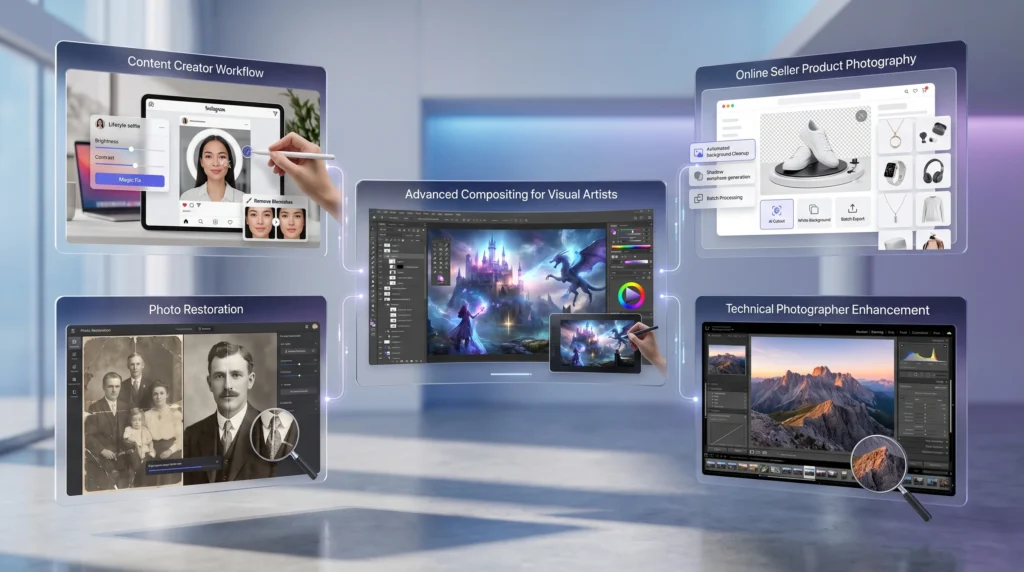
Selecting the right software depends entirely on your daily tasks. If your job involves removing backgrounds for Instagram graphics, opening a massive desktop program slows you down. Conversely, if you need to composite five different exposures into a single architectural photograph, a browser-based app will fail you.
- For quick design edits: Canva and Fotor provide the fastest path from an unedited photo to a published social media post.
- For restoration and technical enhancement: Remini handles low-quality mobile shots perfectly, while Topaz Photo AI serves professional photographers needing precise noise reduction.
- For total creative control: Photoshop remains the mandatory choice for advanced masking, color grading, and complex manipulation.
Final Verdict: Can Any of Them Replace Photoshop?
Photoshop stands as the best all-around AI image editor in 2026. However, it is no longer the only smart choice for modern professionals.
Fotor, Remini, Topaz Photo AI, and Canva each defeat Adobe in specific, narrower workflows. When speed, accessibility, and simplicity matter more than absolute control, these specialized AI tools offer a superior experience. You do not need a sledgehammer to drive a small nail.
Assess your daily output. If you spend hours executing basic background removals or simple enhancements, transition to one of the lighter AI platforms. If you earn your living building complex visual composites, keep your Adobe subscription active and start mastering the new Firefly integrations today.