
 AI Knowledge Club Admin
5 New AI Tools That Will Save You 10 Hours This Week
Professionals lose countless hours to admin work. You likely spend your days reading emails, cleaning up meeting notes, and formatting slides. These repetitive tasks block deep work. That is exactly why AI tools for productivity matter. The right AI tools for work remove routine tasks, free up mental space, and give professionals more time for strategic thinking and career growth.
You need better systems to manage your workload. The right AI tools eliminate these bottlenecks entirely. You do not need a generalized chatbot to answer trivia questions. You need specific applications that execute real work.
This guide explores five underrated AI tools that target distinct professional workflows. We will examine how each application functions. We will explain exactly how they recover lost hours. Implementing just one of these systems will dramatically improve your weekly output.
Why Most Best AI Tools Lists All Sound the Same
Most technology blogs publish the exact same lists. They repeatedly recommend ChatGPT, Gemini, Notion AI, and Perplexity. These platforms offer excellent general capabilities. However, they rarely solve specific, persistent workflow problems without complex prompting.
Professionals do not need more broad assistants. Instead, they need targeted AI productivity tools that handle precise tasks. An effective tool must integrate into your existing environment. It must reduce friction immediately.
This guide highlights the best AI tools for work by focusing on targeted execution. These applications remove the common time-wasting tasks that drain your schedule.
1. Granola: One of the Best AI Tools for Meeting Notes
Granola functions as an AI notepad for back-to-back meetings. It transforms raw, quick notes into comprehensive documentation. Because it targets this single painful workflow, it outperforms generic transcription software.
Granola operates directly on your computer. It transcribes audio locally without sending a bot to join your call. The platform offers AI meeting notes, AI chat, templates, and shared folders. You jot down brief thoughts during the conversation. Then, the software enhances those bullet points using the full transcript context.
How it saves time:
You no longer spend thirty minutes after a call formatting your notes. Granola structures the information instantly. You can use the AI chat feature to query the meeting data. For example, you can ask the system to extract specific budget numbers or action items. It prevents context switching and keeps your team aligned.
2. Wispr Flow: An AI Tool for Faster Writing Without Typing
Wispr Flow acts as a voice-to-text AI that turns speech into polished writing in every app. The software is available on Mac, Windows, iPhone, and Android.
It completely replaces your keyboard for initial drafting. Wispr Flow offers AI commands and auto-edits that clean up your dictation in real time. It removes filler words. It formats your sentences perfectly. The company notes that using this tool is up to four times faster than standard typing.
How it saves time:
Typing is a mechanical bottleneck. Meanwhile, speaking allows you to output words at the speed of thought. You can dictate a project update into Slack or a technical document into your code editor. The system adjusts the tone based on the application you use. You bypass the slow drafting phase entirely.
3. Shortwave: for a Smarter Inbox
Email remains a massive drain on corporate productivity. Shortwave tackles this problem directly. It is an AI email assistant designed to automate your inbox management.
Shortwave can organize inboxes, write emails, improve drafts, search email history, analyze threads, and manage calendars. It connects directly to your existing email infrastructure. The AI learns your specific writing style. It drafts replies that sound exactly like you.
How it saves time:
You stop digging through long email chains. You can ask the Shortwave Agent to summarize a thirty-message thread. Also, it can handle your scheduling. You simply type a prompt, and the system checks your calendar and proposes meeting times to the recipient. You spend minutes on email routing rather than hours.
4. Tana: One of the Best AI Tools for Meetings
Tana represents a major shift in enterprise software. It operates as an agentic meeting platform. Most meeting tools just record what happened. Tana actually executes work while you talk.
During a call, Tana agents listen to the discussion. They create documents, file issues, and update your organizational knowledge graph in real time. The platform includes voice memos, AI chat, and meeting agents that integrate tightly with Zoom, Google Meet, and Microsoft Teams.
How it saves time:
Teams usually assign follow-up tasks at the end of a meeting. As a result, employees spend their evenings doing the actual work. Tana eliminates this delay. If you discuss a software bug on the call, the agent files the issue ticket before you hang up. Your team leaves the meeting with the work already finished.
5. Gamma: for AI-Powered Presentations
Building slide decks consumes massive amounts of time. Gamma eliminates this tedious process. It helps users create presentations, websites, and visual documents quickly using AI.
You do not need any design experience to use this platform. You paste in an outline or type a text prompt. Gamma generates a fully formatted, professional presentation in seconds. You can export the final product directly to PowerPoint or Google Slides.
How it saves time:
You no longer need to align text boxes or search for high-quality images. The AI handles the entire visual layout. Still, you retain full control over the content. You focus entirely on the strategic message. The software handles the aesthetic presentation, saving you hours of formatting work.
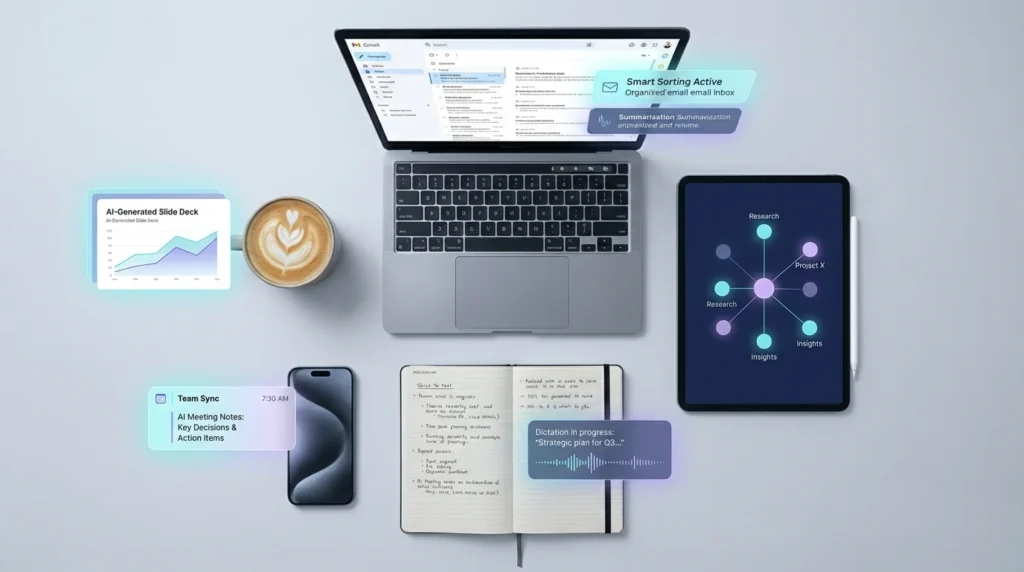
Which of These AI Tools Should You Try First
You should select the platform that targets your worst weekly bottleneck. Look at your calendar from last week. Identify the task that drained the most energy.
- If you spend your days jumping between Zoom calls, install Granola.
- If you type long documents or constant Slack updates, download Wispr Flow.
- If your inbox dictates your schedule, connect Shortwave.
- If your team struggles to execute decisions made on calls, deploy Tana.
- If you spend hours formatting weekly reports, generate them with Gamma.
In short, match the technology to the specific friction point in your routine. Do not adopt all five new AI tools 2026 offers at once. Adopt one. Master it. Measure the time you recover.
Automate Your Work With AI Tools To Save Time
The market continuously releases new AI tools. Many of them offer nothing but hype. The applications listed above represent a different class of software. They are underrated AI tools built for practical, immediate execution.
So, audit your workflow today. Identify the repetitive tasks slowing your progress. Finally, implement one of these AI tools to save time this week. You will clear your schedule of administrative burden. You will recover the hours you need to focus on complex, high-value work.